How to Add a Santa Hat to Any Profile Picture (Free, No Watermark)
Learn how to put a Santa hat, elf hat, or reindeer antlers on any profile picture in 30 seconds—100% locally in your browser with no watermark, 1080×1080 PNG export, and free transparent PNGs.
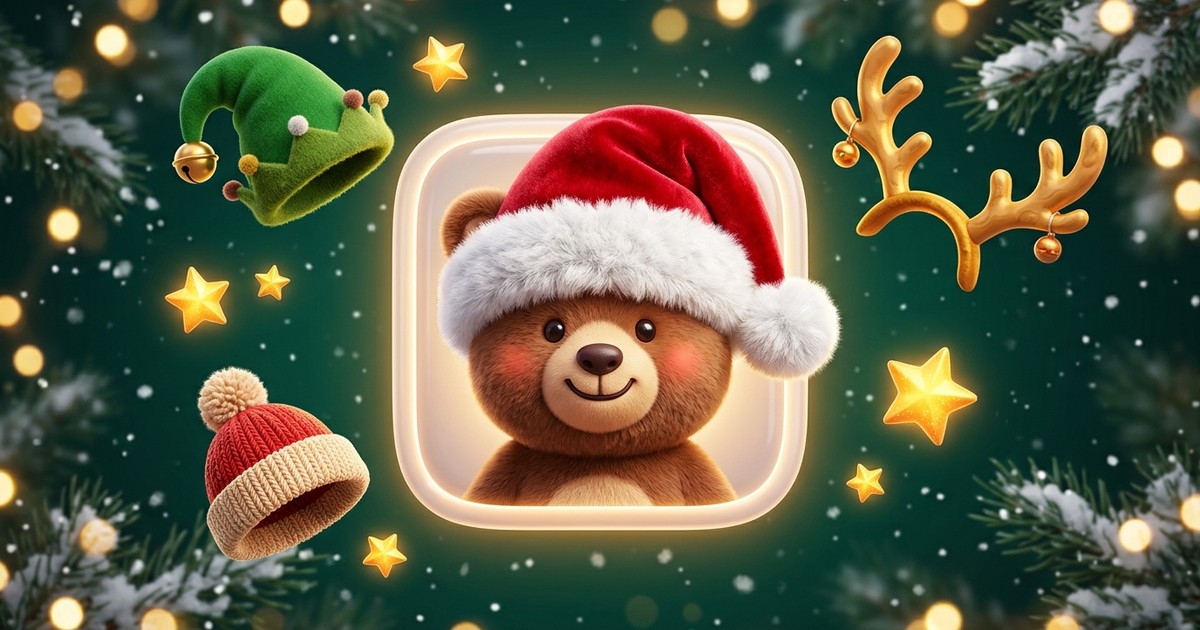
Updating your profile picture with a festive Santa hat is the quickest way to get into the holiday spirit across Instagram, TikTok, Discord, WhatsApp, Slack, and X. You do not need Photoshop, a paid mobile app, or an account that uploads your private selfie to a remote server.
With our free Santa hat photo maker, you can dress up a selfie, couple portrait, group shot, or pet picture right inside your browser in under 30 seconds—with zero watermark and crisp 1080×1080 PNG export.
Step-by-Step: How to Put a Santa Hat on Any Photo
- Open the editor in your browser: Visit the Merry Wish Santa Hat Photo Maker on iPhone, Android, or desktop. No download or sign-up is needed.
- Choose your photo: Select any JPG, PNG, or WebP portrait. Front-facing selfies and well-lit group photos work best with automatic face detection. If your photo is rectangular, adjust the square crop frame first.
- Pick your festive hat style: Choose from six hand-painted holiday designs—a classic red Santa hat, playful green elf hat, golden reindeer antlers, cozy knitted Christmas beanie, tartan Santa hat, or starry green Santa hat.
- Fine-tune size, angle, and extra hats: Tap any hat to drag, resize, or rotate it—on mobile, drag with one finger and pinch with two fingers. Editing a couple or group photo? Tap
+to add a different hat for each friend or pet. - Download your 1080×1080 PNG: Save your crisp square avatar with no watermark, ready to upload anywhere.
Why Browser-Local Editing Matters for Privacy
Many online photo editors upload your face to cloud servers before adding a sticker. The Merry Wish Santa hat tool runs face detection and image rendering 100% locally inside your own browser, so your photos never leave your device.
Best Profile Picture Tips for Every Platform
- Instagram & TikTok: Leave a little breathing room above your head when cropping so circular avatar masks never clip the fluffy pom-pom on your Santa hat.
- Discord & Slack: High-contrast hats like the classic bright red Santa hat or glowing golden antlers stay unmistakable even at tiny 32px chat sizes.
- Couple, Family & Pet Portraits: Mix and match styles—for example, a classic Santa hat on one person and a knit beanie or reindeer antlers on another. For pets, cartoons, or side profiles, simply drag and tilt the hat manually.
Need Free Transparent Santa Hat PNGs for Canva or Video Thumbnails?
If you are designing holiday slides, YouTube thumbnails, stickers, or invitations in Canva or Photoshop, scroll down on the Santa hat maker page to download every hand-painted hat as a free transparent-background PNG—no attribution wall or watermark.
Spread Even More Holiday Cheer
Once your festive avatar is live, keep the celebration going: decorate a free 3D Christmas wish tree to collect secret text and voice wishes from friends, or send an interactive 3D Christmas card with music that unlocks on Christmas Day.